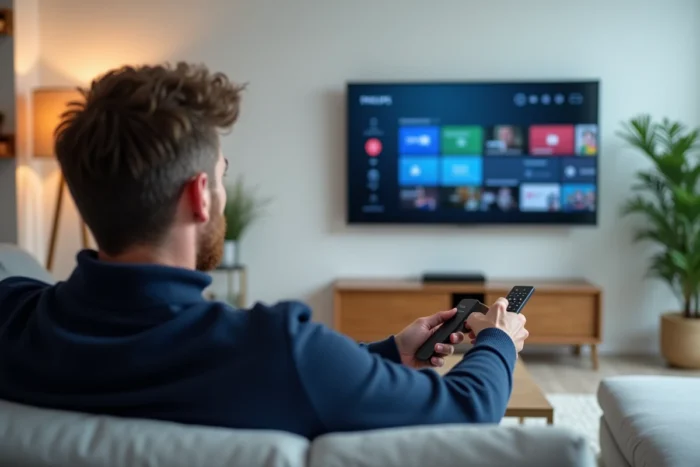
Recent Philips televisions run on Google TV or Android TV, two environments that provide access to the Google Play Store and its IPTV applications. The question is not whether IPTV is possible on these models, but what technical variables condition the fluidity of the experience: system version, available memory, type of player, stream format. This is what this article measures and compares.
Philips Google TV, Android TV, and Saphi: IPTV Compatibility by System
Not all Philips televisions are equal when it comes to IPTV. The discriminating factor is the embedded operating system. Three scenarios coexist in the current lineup.
| System | Access to Google Play Store | Native IPTV Applications | External Alternative (HDMI Box) |
|---|---|---|---|
| Google TV (2023-2026 ranges) | Yes | IPTV Smarters, TiviMate, OTT Navigator, GSE Smart IPTV | Optional |
| Android TV 8.x / 9.x (2018-2022 ranges) | Yes | IPTV Smarters, Perfect Player, GSE Smart IPTV | Recommended if memory is low |
| Saphi (entry-level, some 5000 series) | No | None | Mandatory |
On Saphi models, no IPTV application can be installed directly. An external box like a Fire TV Stick or Google TV Streamer is the only solution. Since early 2026, Google has discontinued the classic Chromecast and designated the Google TV Streamer as its replacement, which changes the streaming options for Philips under Android TV and Google TV.
To check your television’s system, go to Settings, then “About” or “Device Preferences.” The Android version (8.x, 9.x, or higher) will appear there. This step also allows you to enjoy IPTV on a Philips TV by choosing the right player according to the actual capacity of the television.
Memory and IPTV Performance on Philips: The Shrinkflation Trap
A Philips television running on Google TV appears to meet all the conditions to run an IPTV application. In practice, the available memory determines the stability of the player.
Les Numériques documented a recent trend referred to as “technological shrinkflation”: some models sold at the same price as their predecessors come with less memory. On a Philips television affected by this phenomenon, the consequences for IPTV are direct:
- Large playlists (several hundred channels with EPG) cause slowdowns or crashes of the application
- Multitasking between the IPTV application and other services (browser, YouTube) saturates the RAM and forces reloads
- Updates to the Google TV system take up increasing space on internal storage, reducing the available space for stream caches
In light of this observation, two approaches stand out. On a recent model with sufficient resources, the native application remains the simplest choice. On a model with reduced memory, a dedicated HDMI box offers significantly better performance because it offloads all application processing from the television.
Identifying the Memory of Your Philips
In Settings, then Storage, the television displays the total space and used space. If the free space falls below a critical threshold, IPTV applications struggle to maintain a stable stream. A reliable indicator: when the television regularly asks to free up space, it means the margin is insufficient for comfortable IPTV use.
Compatible IPTV Players for Philips: Comparison of Formats and Features
The choice of IPTV player determines both image quality and ease of daily use. Not all players handle the same playlist formats or protocols.
| Player | M3U Format | Xtream Codes Format | Integrated EPG | Catch-up TV | Available on Philips Play Store |
|---|---|---|---|---|---|
| IPTV Smarters | Yes | Yes | Yes | Yes | Yes |
| TiviMate | Yes | Yes | Yes | Yes (premium version) | Yes (Google TV) |
| OTT Navigator | Yes | Yes | Yes | Yes | Yes |
| Perfect Player | Yes | No | Yes | No | Yes |
| GSE Smart IPTV | Yes | No | Yes | No | Yes |
TiviMate and IPTV Smarters support the Xtream Codes protocol, which simplifies the connection: an identifier, a password, and a server URL are sufficient, without manipulating an M3U file. For use on Philips Google TV, these two players cover most needs.
Perfect Player remains a relevant choice on Philips under Android TV 8.x or 9.x, as it consumes fewer resources. However, the lack of Xtream Codes support requires manually loading an M3U file and a separate EPG file.
Network Connection and IPTV Stream Quality on Philips
The quality of the IPTV stream depends as much on the network as on the television. A wired Ethernet connection reduces micro-cuts compared to Wi-Fi, especially on high-definition streams.
Recent Philips televisions include an Ethernet port and Wi-Fi 5 or 6 depending on the range. Wi-Fi 6 maintains a more stable throughput when multiple devices share the home network. On entry-level ranges, Wi-Fi may only support the 2.4 GHz band, which is insufficient for a consistently high-quality IPTV stream.
Network Settings to Check
- Prefer the 5 GHz band if an Ethernet cable is not feasible, to reduce interference
- Disable the Wi-Fi power-saving mode in the television’s network settings, as it causes intermittent disconnections
- Check that the DNS configured on the television does not block streams: a public DNS can resolve some access issues to IPTV servers
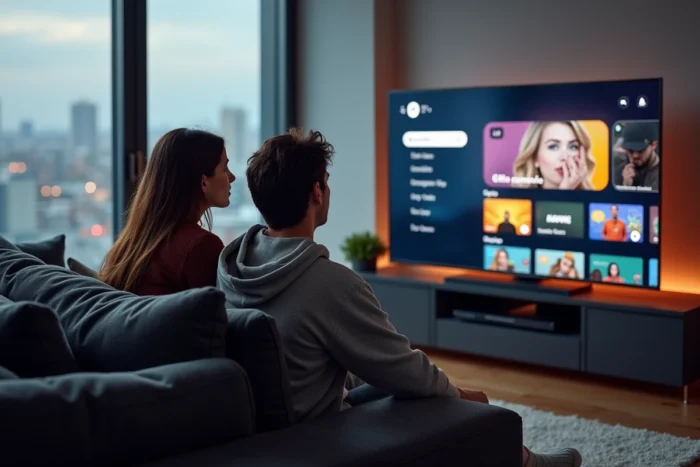
Philips models equipped with Ambilight technology add an interesting visual dimension to IPTV: the ambient lighting adapts in real-time to the content being streamed, including IPTV streams. This feature works natively, without additional configuration, as long as the stream is played by an application installed on the television and not by an external box.
The choice between native installation and HDMI box ultimately comes down to one technical variable: the available memory on the television. On a well-resourced Philips Google TV, the direct application remains the shortest path to a smooth experience. On an older or storage-restricted model, the external box transforms any Philips screen into a high-performing IPTV terminal, without compromising stability.