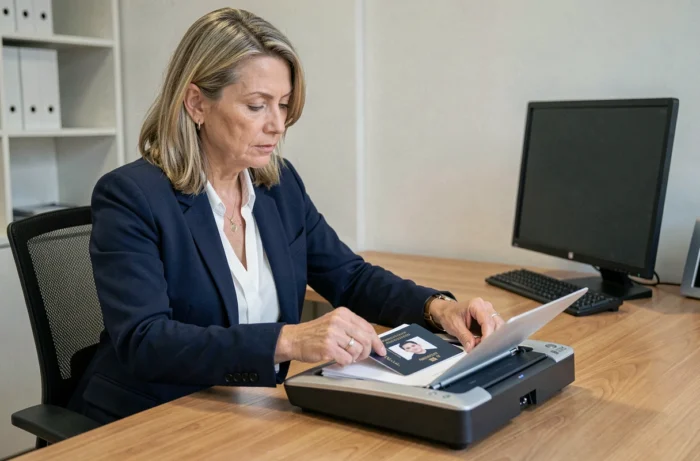
A photocopy of a passport transmitted without caution exposes the holder to a direct risk of identity theft. Before reproducing any page, we recommend checking precisely what the requester is entitled to demand, and then limiting the visible data to the strict minimum.
Right of the requesting organization: to demand a full or partial copy of the passport
Not all requests for a passport copy are equally legitimate. Under French law, the certification of a true copy is regulated and reserved for specific cases, primarily when the document is intended for a foreign administration.
A landlord, a telecom operator, or an online platform that requests a full photocopy of your passport often exceeds the legal framework. The principle of data minimization, derived from the GDPR, requires that only the information strictly necessary for the declared purpose be collected.
In practice, we observe three distinct situations:
- The foreign administration requires a certified copy: the request is valid, and the certification is done through the town hall (by appointment, with the original presented) or by a notary.
- A private French organization requests a “true copy”: this terminology no longer has legal value in France for documents issued by a French administration. Providing a simple readable photocopy is sufficient in most cases.
- A foreign service provider or an embassy requests a certified copy: check if the concerned country is a signatory of the Hague Convention, in which case an apostille can replace legalization.
Before sending anything, we recommend requesting in writing the legal basis on which the organization is grounding its request. Making a true photocopy of the passport should only occur after this verification.
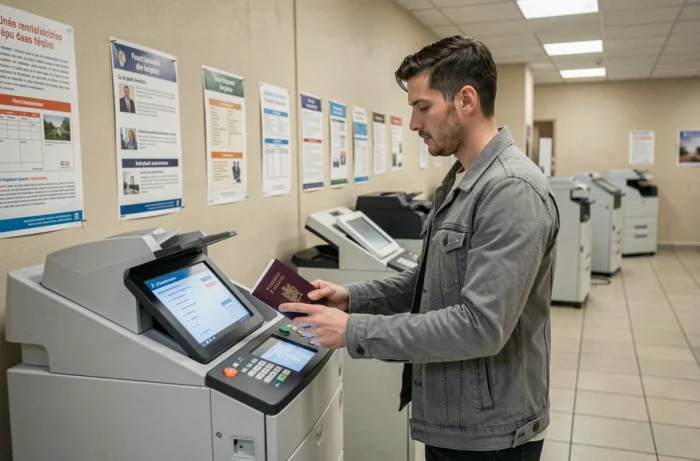
Pages of the passport to reproduce: MRZ area, mentions, and data to mask
Reproducing the entire passport is rarely justified. The identity page (page 2 or 3 depending on the model) contains the MRZ (Machine Readable Zone), the photograph, and the biographical data. This is the page that most procedures require.
The visa pages and entry/exit stamps are almost never relevant to common requests (rental, account opening, registration). Providing them amounts to delivering a travel history without legitimate reason.
Data to keep visible and data to mask
Recent security guides converge on a simple principle: only leave readable the information that is truly necessary for the procedure, and mask the rest. On the identity page, this generally means keeping the name, first names, date of birth, nationality, and validity date.
The passport number, on the other hand, is only essential for certain consular or banking formalities. For a seasonal rental or online service registration, <strong masking the passport number significantly reduces the risk of fraud. An opaque line on the digital copy or a physical cover before photocopying is sufficient.
Digital watermark on the copy: why FiligraneFacile changes the game
Transmitting a raw digital copy of your passport amounts to providing a file that can be reused infinitely. The French public service FiligraneFacile allows you to place a digital watermark on the document before sending.
The watermark overlays the name of the recipient, the date, and the reason for the transmission. The document remains perfectly readable, but any attempt to reuse it for another procedure becomes detectable. In case of a leak, the watermark allows tracing back to the source.
Best practices for watermarking
- Write the watermark in capital letters with the exact name of the recipient and the date of the day, for example: “DELIVERED TO AGENCY X ON 08/08/2026 – ONE-TIME USE”.
- Position the text diagonally across the entire page to prevent partial cropping that would eliminate the mention.
- Prefer a sufficient opacity so that the watermark is visible even after printing or screenshot, without making the document unreadable.
- Keep a copy of the watermarked file sent, to be able to prove which document was transmitted and to whom.
This simple reflex makes the passport copy considerably less exploitable in case of diversion.
Digitized copy or paper photocopy: which format for which security
The trend observed in recent years favors secure digitization over traditional paper photocopying. A password-protected PDF file, transmitted via an encrypted platform, offers a level of control far superior to a sheet left in a physical folder.
The paper photocopy remains relevant only for in-person procedures where the agent verifies the original and keeps the copy in a framed file. For any remote sending, the digital format with watermark and access protection is preferable.
One-time identity proof
The France Identité application now offers to generate a one-time digital identity proof. This system allows proving one’s identity without transmitting a copy of the passport, eliminating the risk of indefinite retention of the document by the recipient. When the requesting service accepts it, this solution represents the safest alternative.
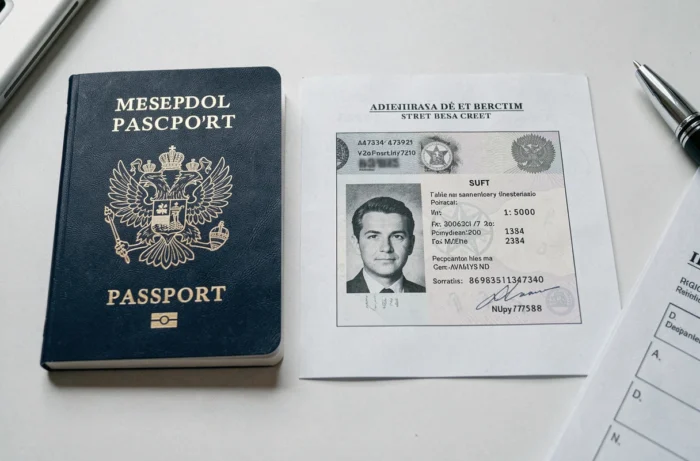
The passport copy should never be an automatic gesture. Checking the legal basis of the request, limiting the transmitted data to what is truly necessary, applying a named watermark, and favoring protected digital formats constitute the four reflexes that separate a controlled approach from unnecessary exposure of your identity data.